
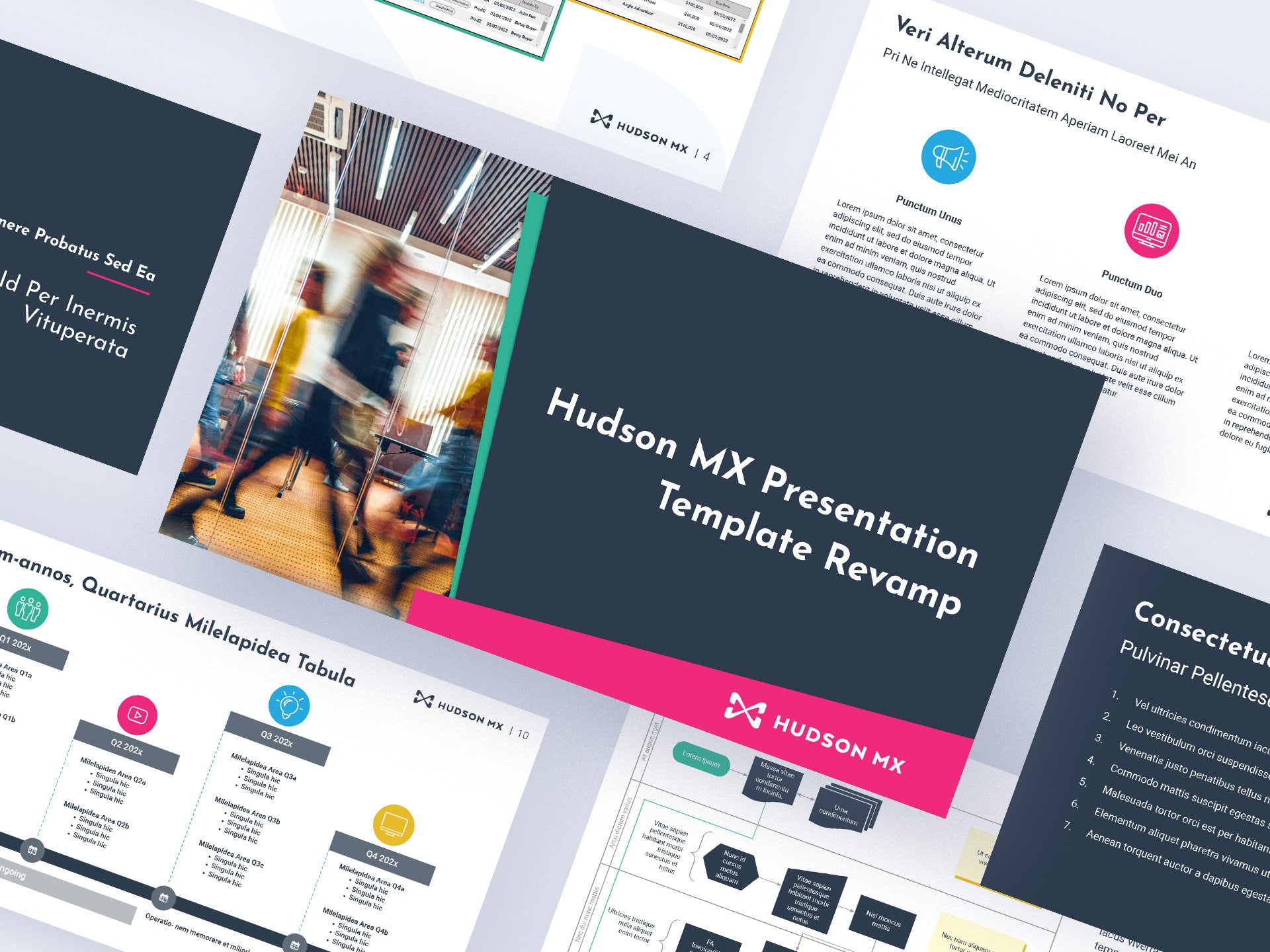
Hudson MX Presentation Template (Major Update)
Role: Graphic Designer
Tools: Google Slides, Adobe Creative Suite (Photoshop, Illustrator, After Effects)
Objective: Overhaul a massive, outdated Google Slides presentation system to align with a new corporate brand identity.
Impact: Enabled company-wide teams to autonomously construct executive-ready presentations using a rigorous 127-slide master template.
Hudson MX relied heavily on Google Workspace, but their legacy slide templates had been untouched since 2019—a lifetime in the SaaS world. Stepping in, I spearheaded a massive overhaul of their corporate presentation system to match a broader brand modernization. I meticulously forged a 127-slide master template, complete with an instructional index, brand compliance checklists, and a copy-and-pasteable icon library. By deploying both full and skeleton versions company-wide, I enabled teams to autonomously construct executive-ready presentations without needing to constantly ping the design department.
Below are side-by-side comparisons of the original presentation vs. the overhauled one. (Click to enlarge)
Due to the sensitive nature of presentations created with these assets, examples are shown here with placeholder text.

Presentation cover
Presentation agenda
Section cover
Standard text and image layout
Text with side banner layout
Three-point layout
Three-point layout
Process timeline layout
Linear, multi-year/multi-period timeline layout
Year-view, quarterly milestone map
Multi-Subject roadmap layout
Organized phase flow chart (with text) layout
Back cover layout
The template also featured an animated splash cover featuring the Hudson MX branding, an instructional index (Appendix A), and a copy-and-pasteable icon/logo library (Appendix B) to give users a clear idea of brand standards to adhere to and visual assets to utilize.

An animated splash cover slide using the Hudson MX branding.
Appendix A, Instructional Index Cover.
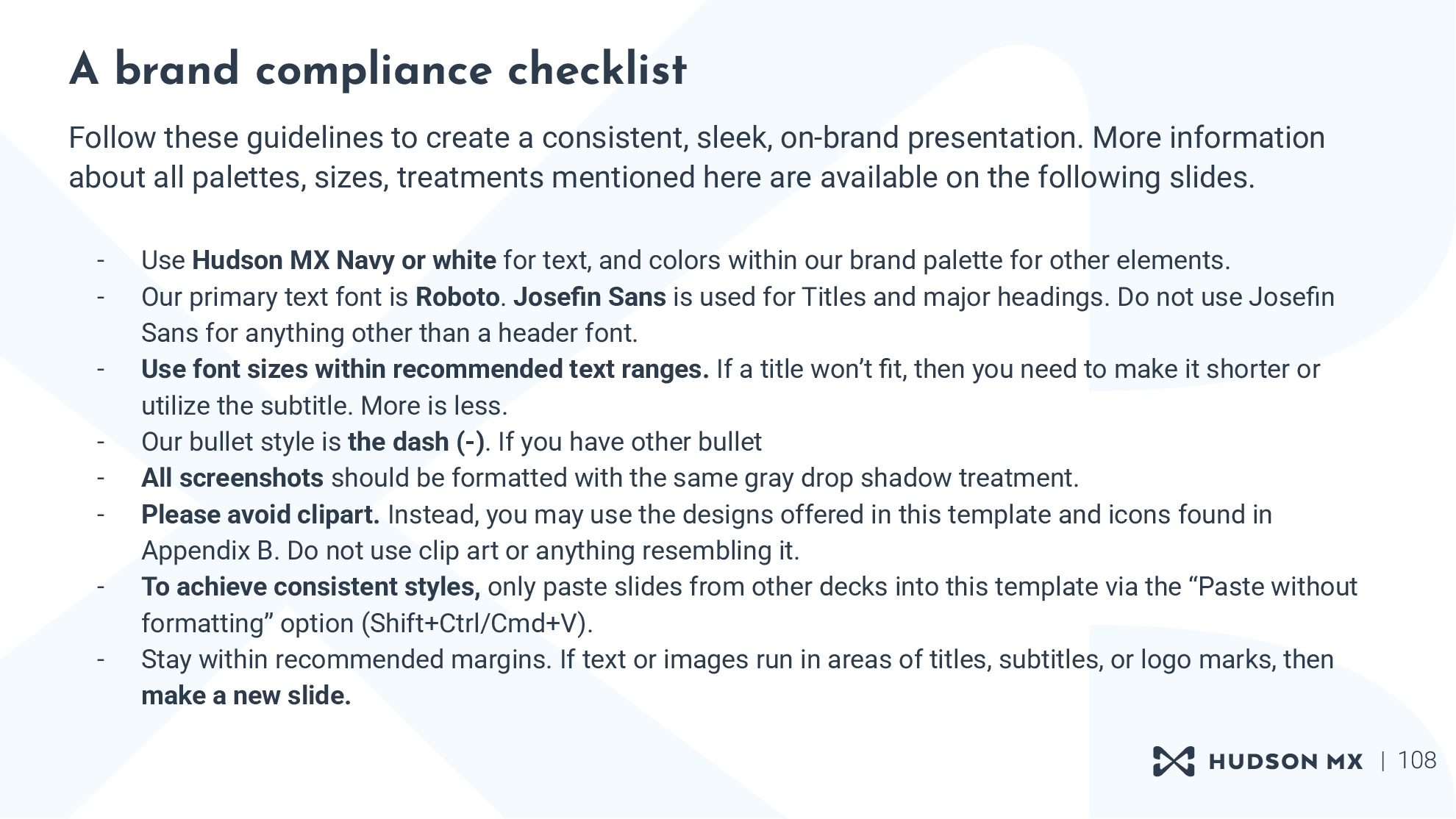
Brand compliance checklist.
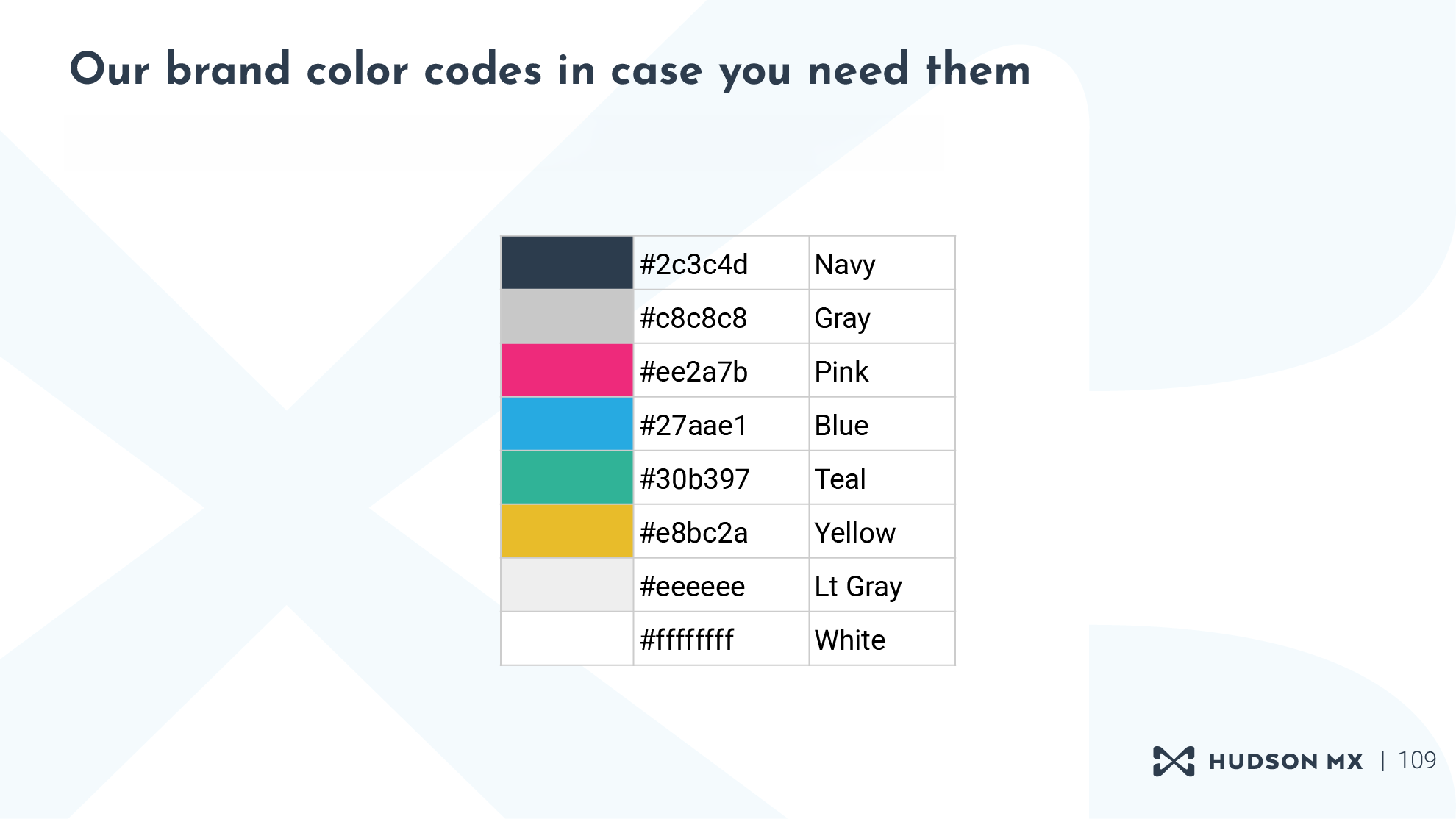
Brand color palette with codes included.
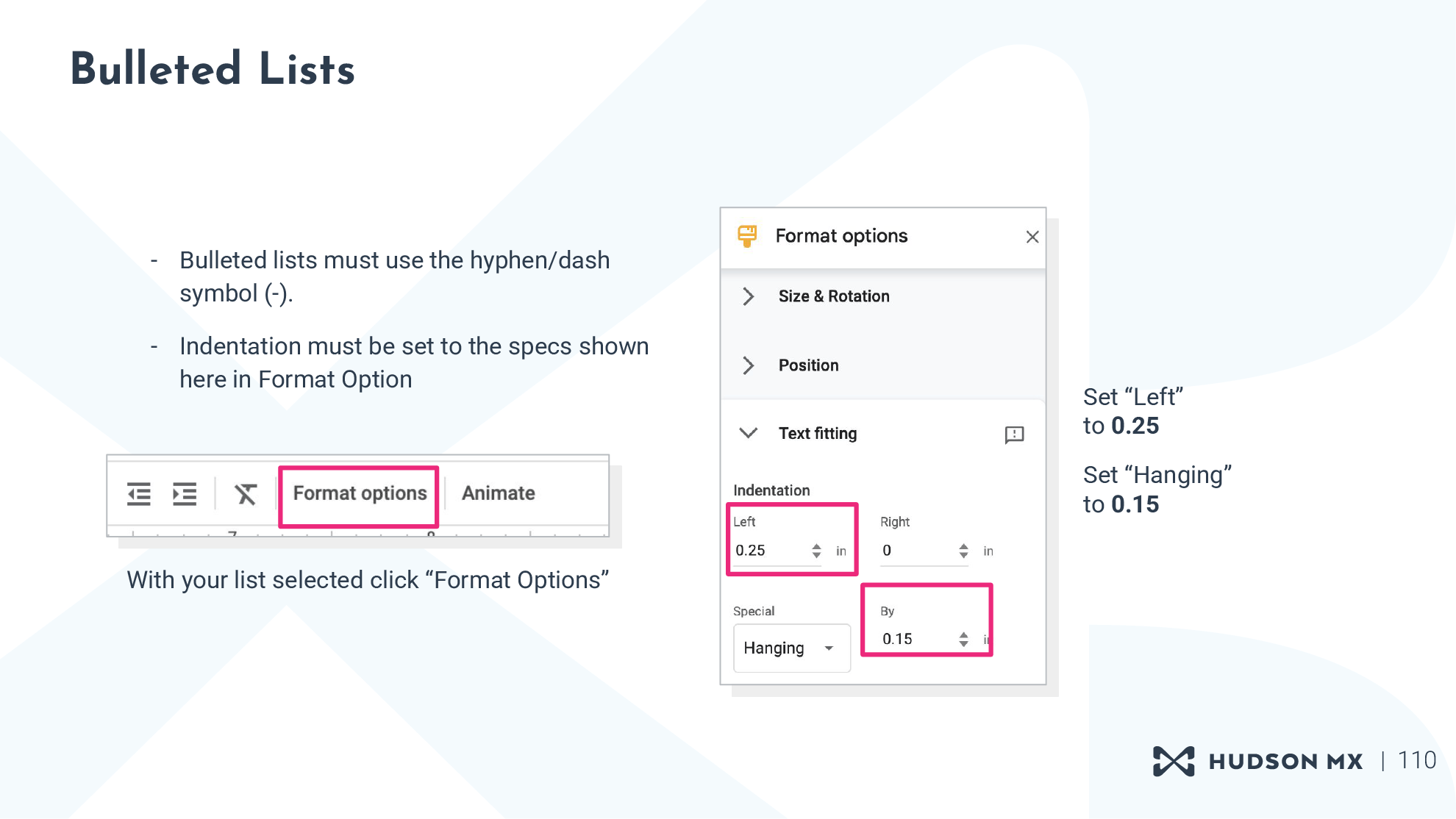
Instructions for proper formatting of bulleted lists.
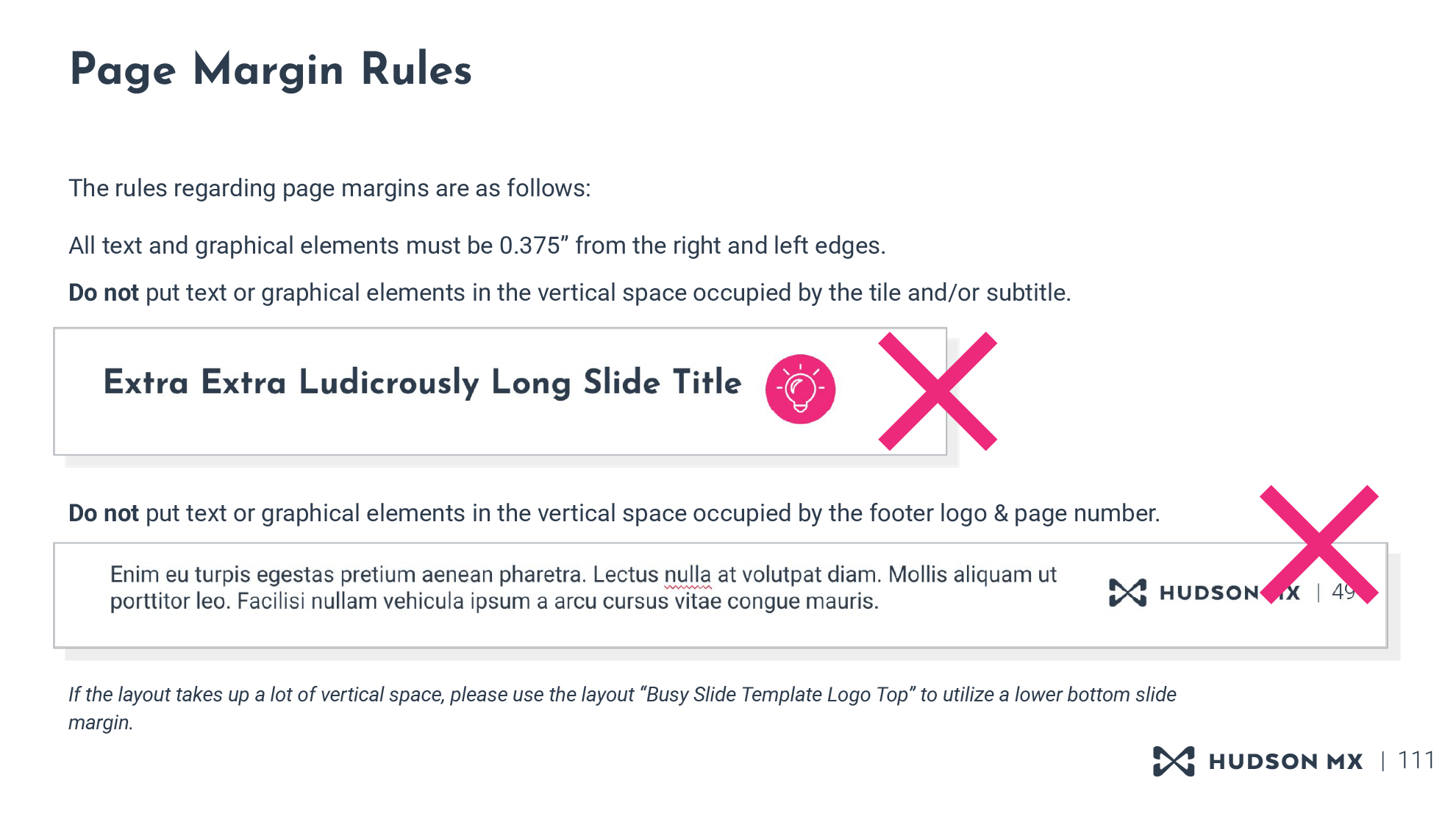
Page margin rule instructions.
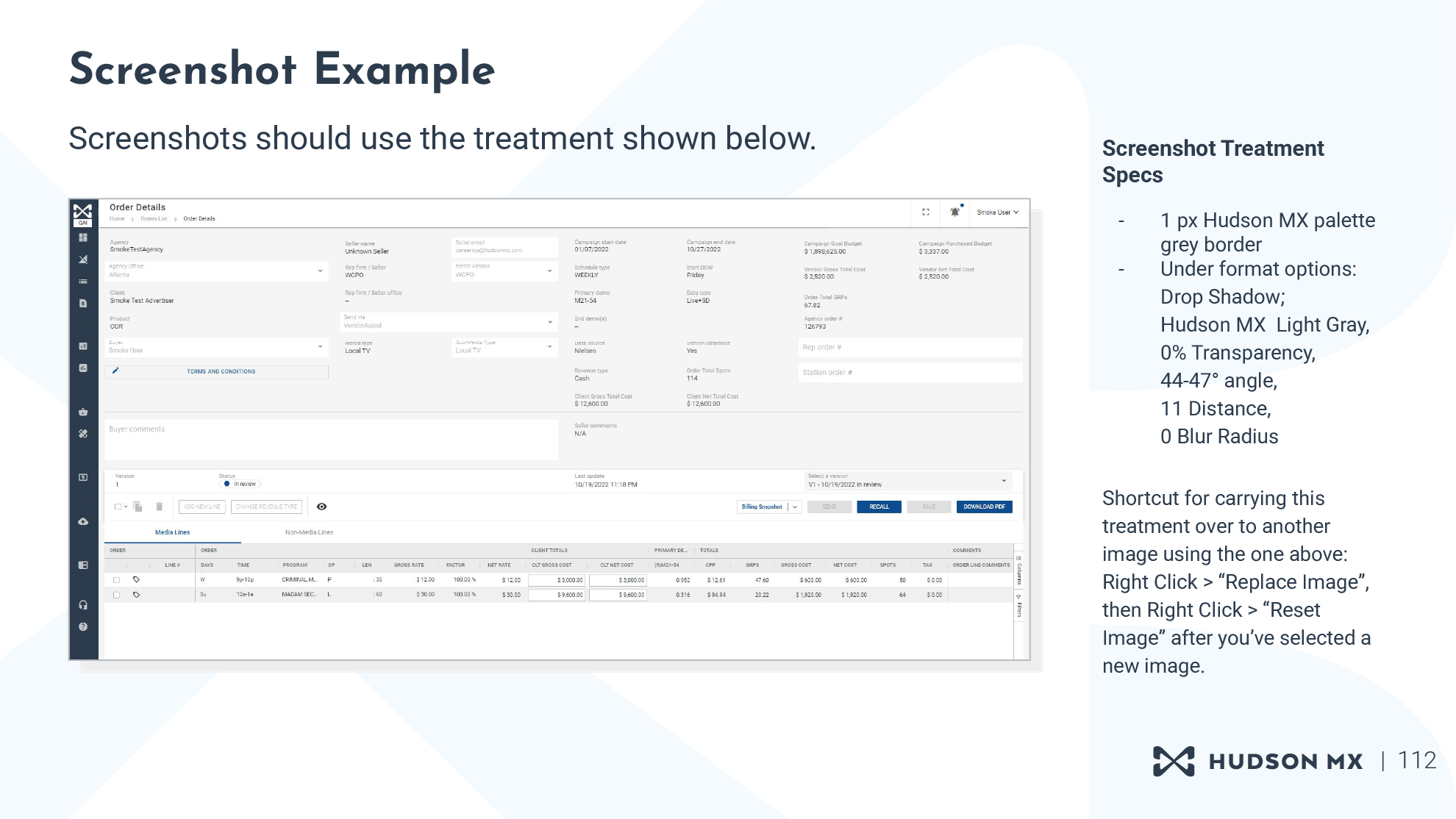
Instructions on how to properly format a screenshot on a slide.
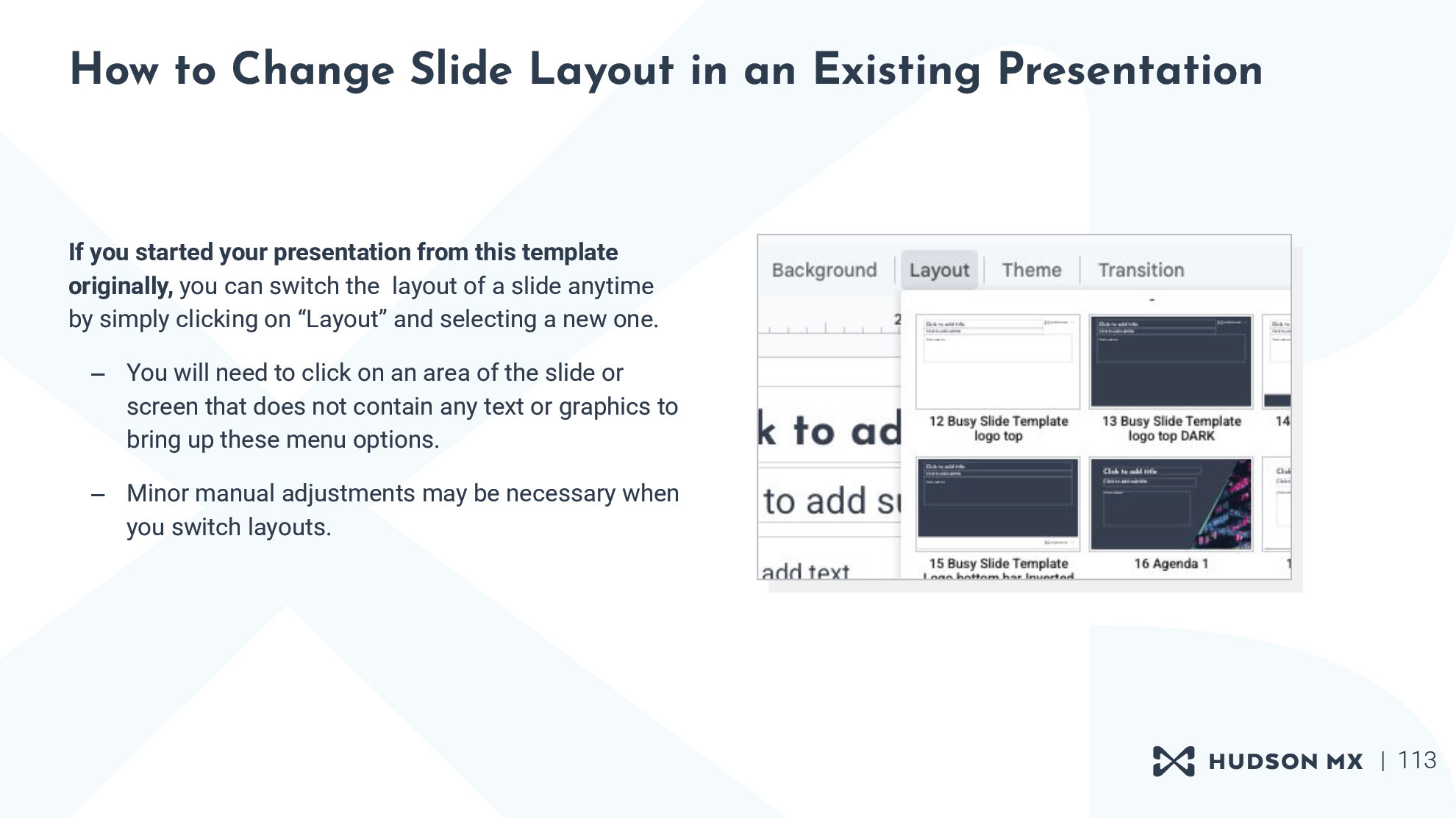
An instructional slide about how to change a slide layout in an existing presentation.
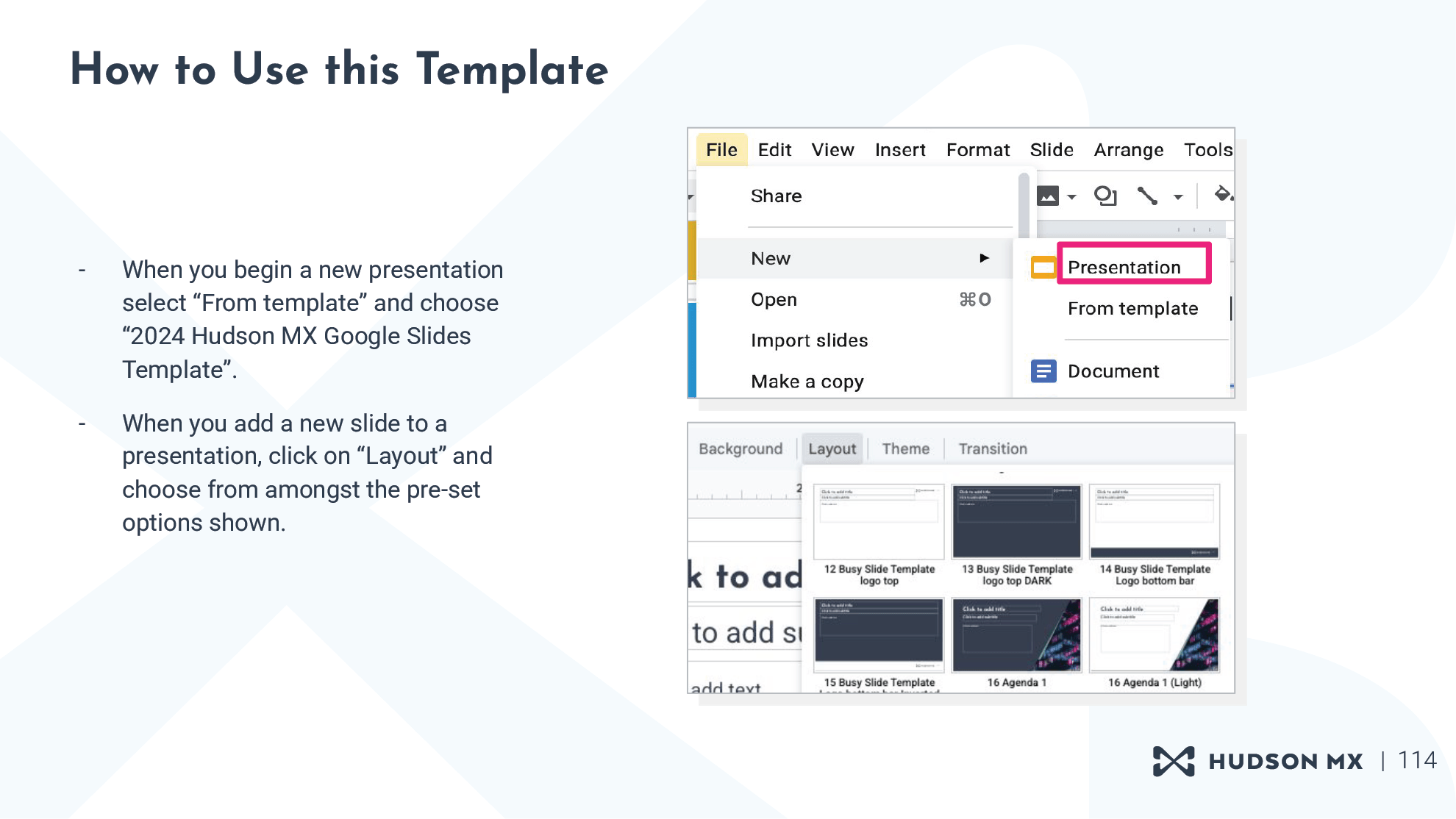
An instructional slide about how to start a new presentation from the template file.
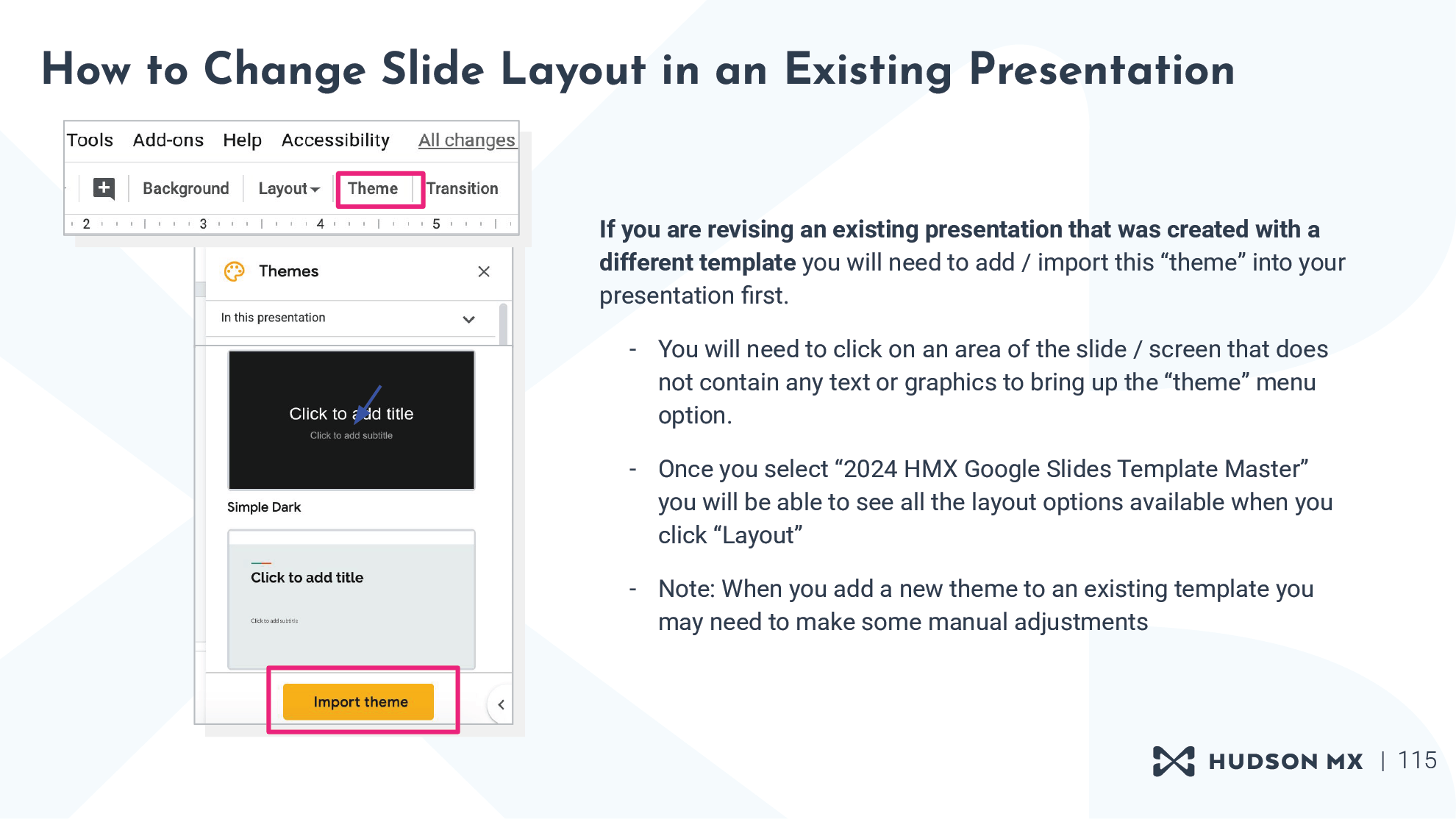
An instructional slide about how to import the updated theme into outdated decks for the purpose of updating their content.
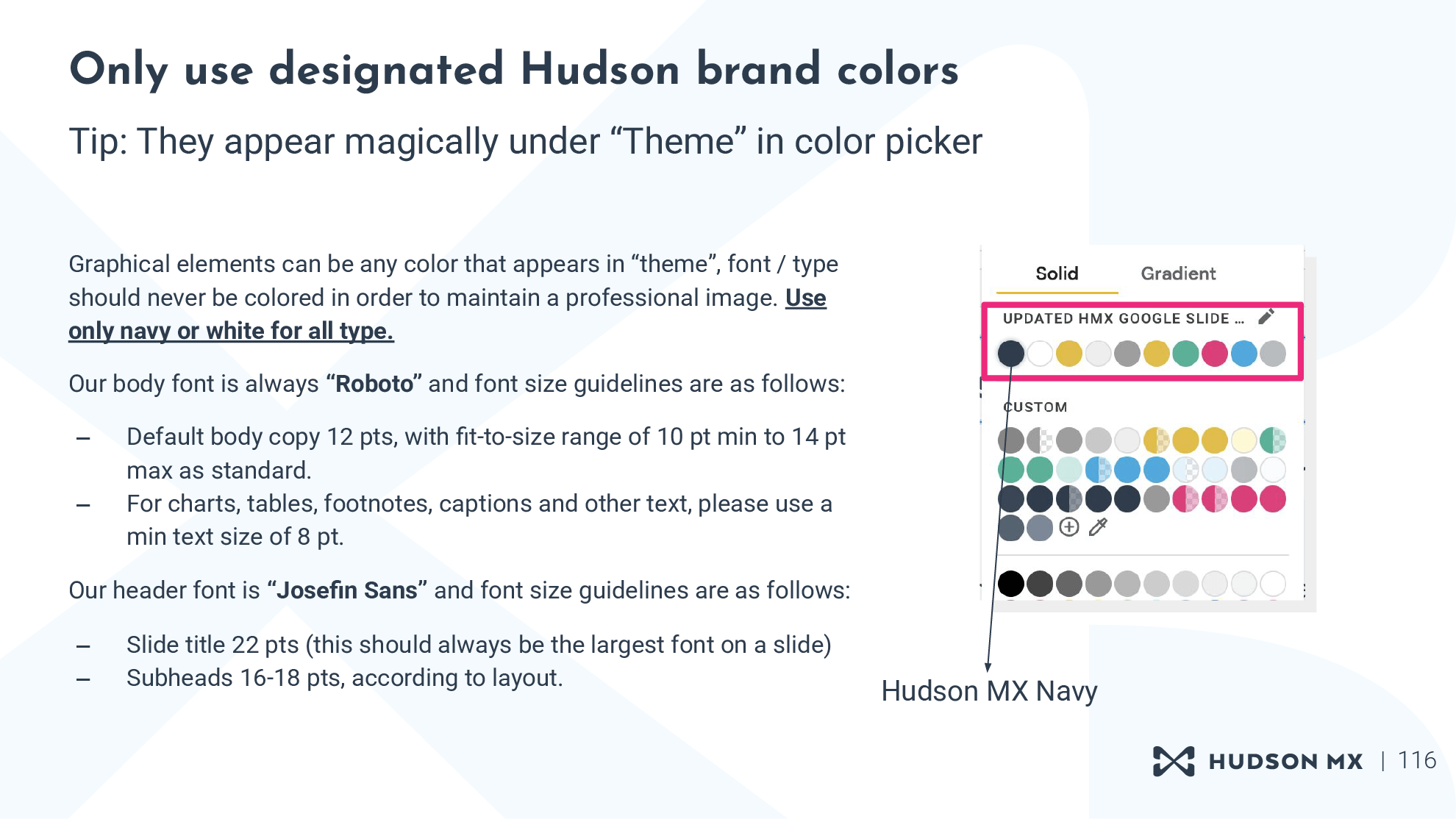
Instructions regarding proper brand color use within the template.

Appendix A, Icon & Logo Library Cover.
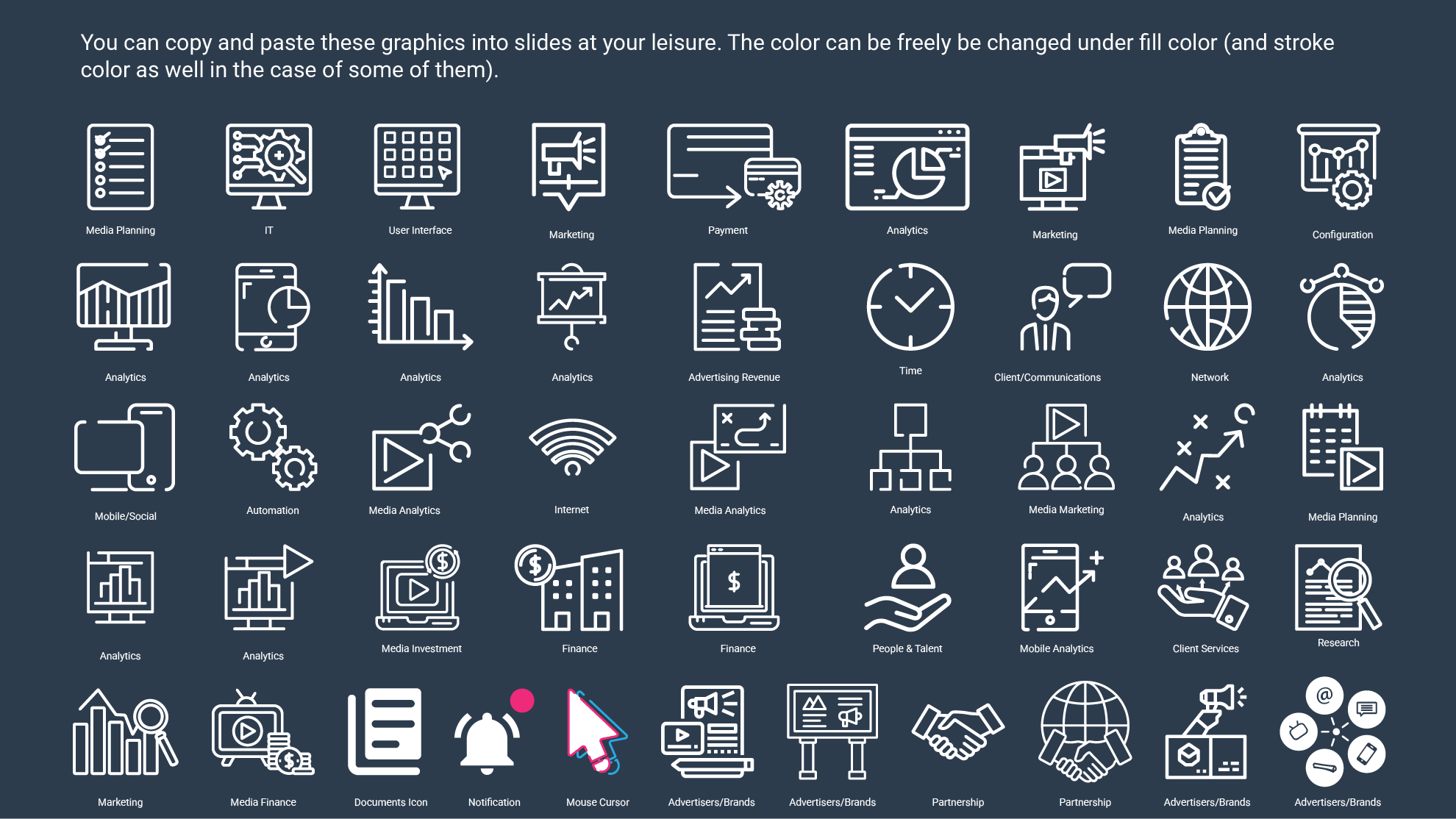
Basic icons, outlines.

Basic icons, buttons format.
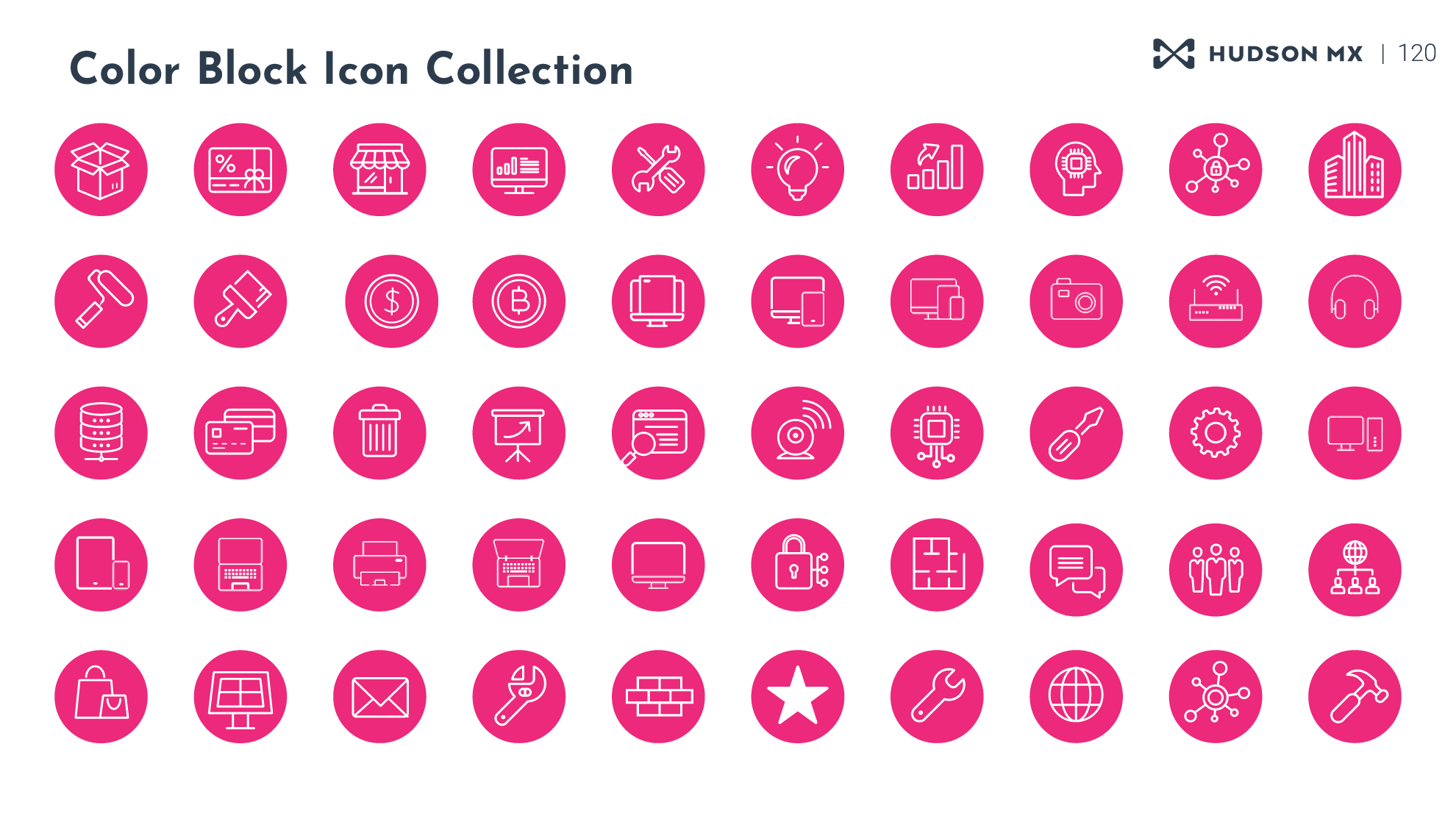
Color Block Icon Collection, Pt 1.
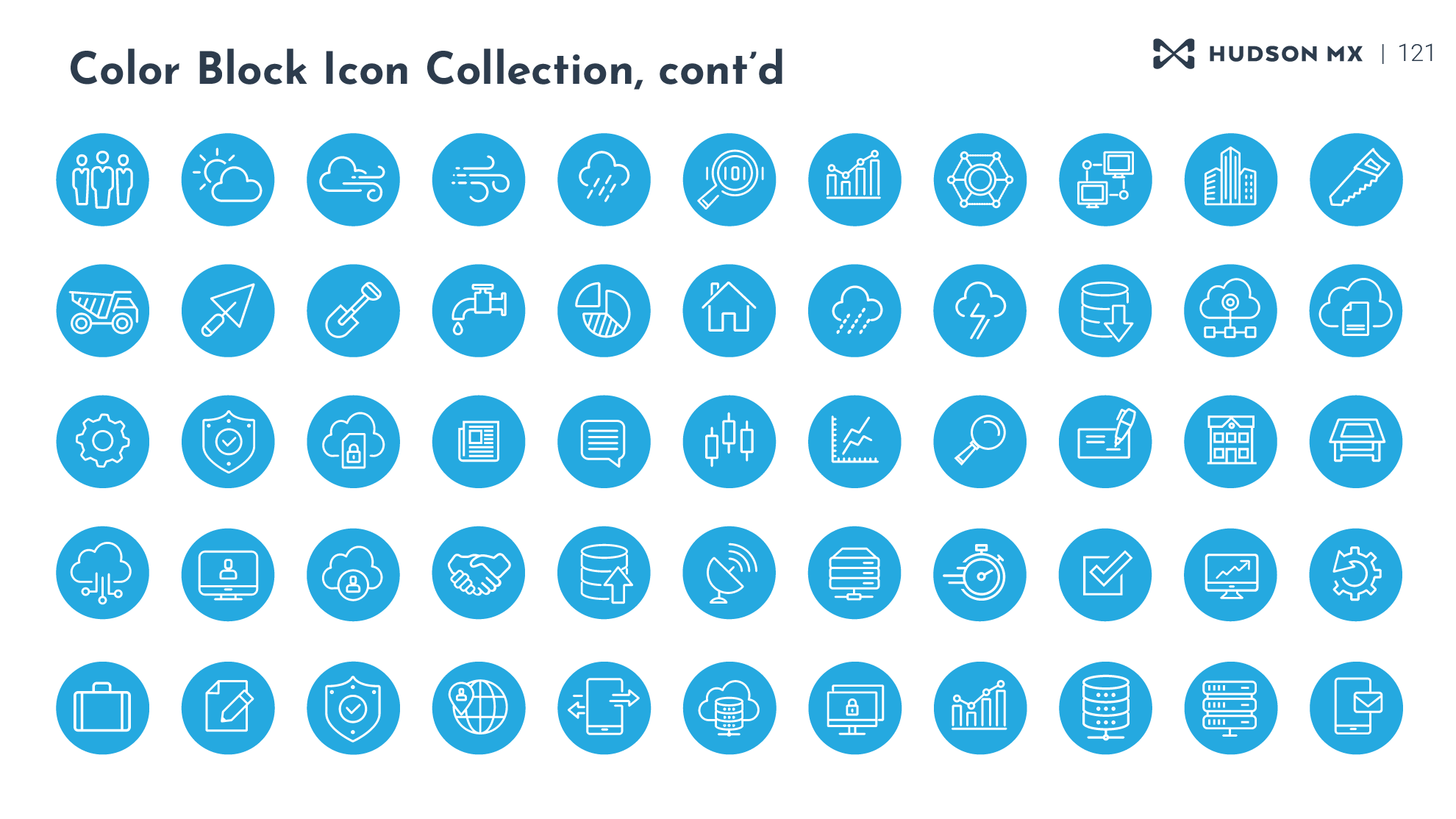
Color Block Icon Collection, Pt 2.
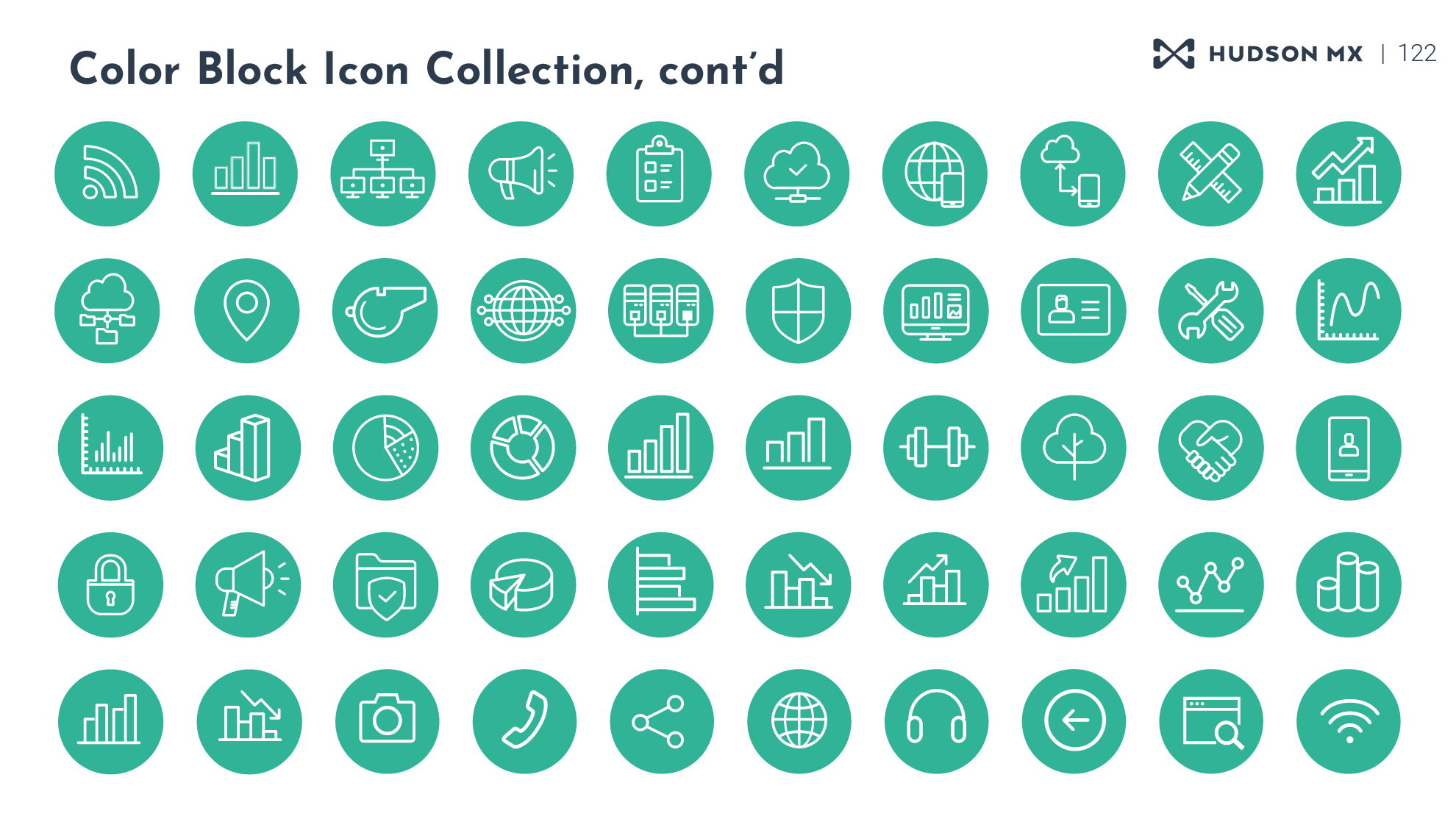
Color Block Icon Collection, Pt 3.
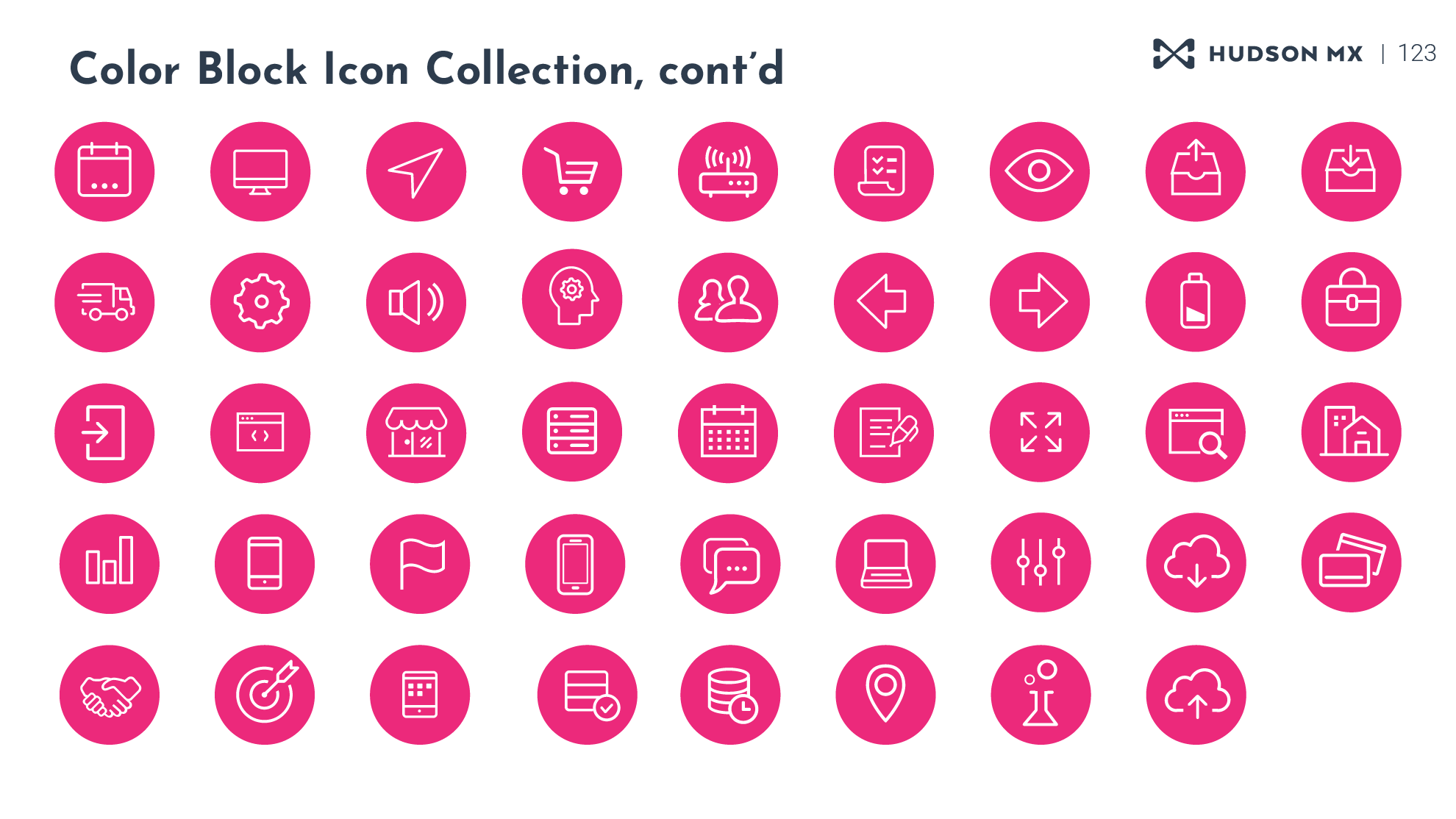
Color Block Icon Collection, Pt 4.
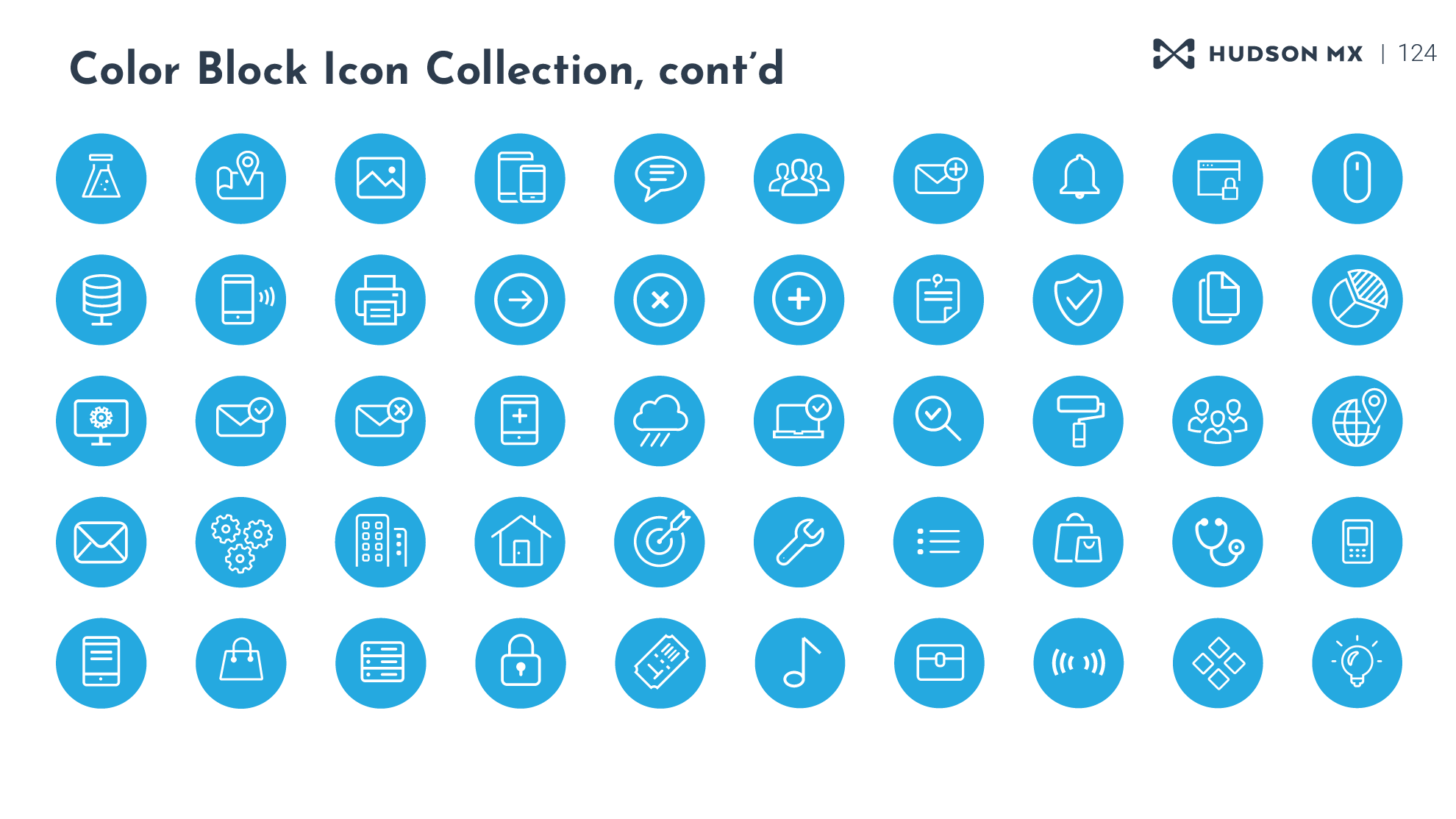
Color Block Icon Collection, Pt 5.
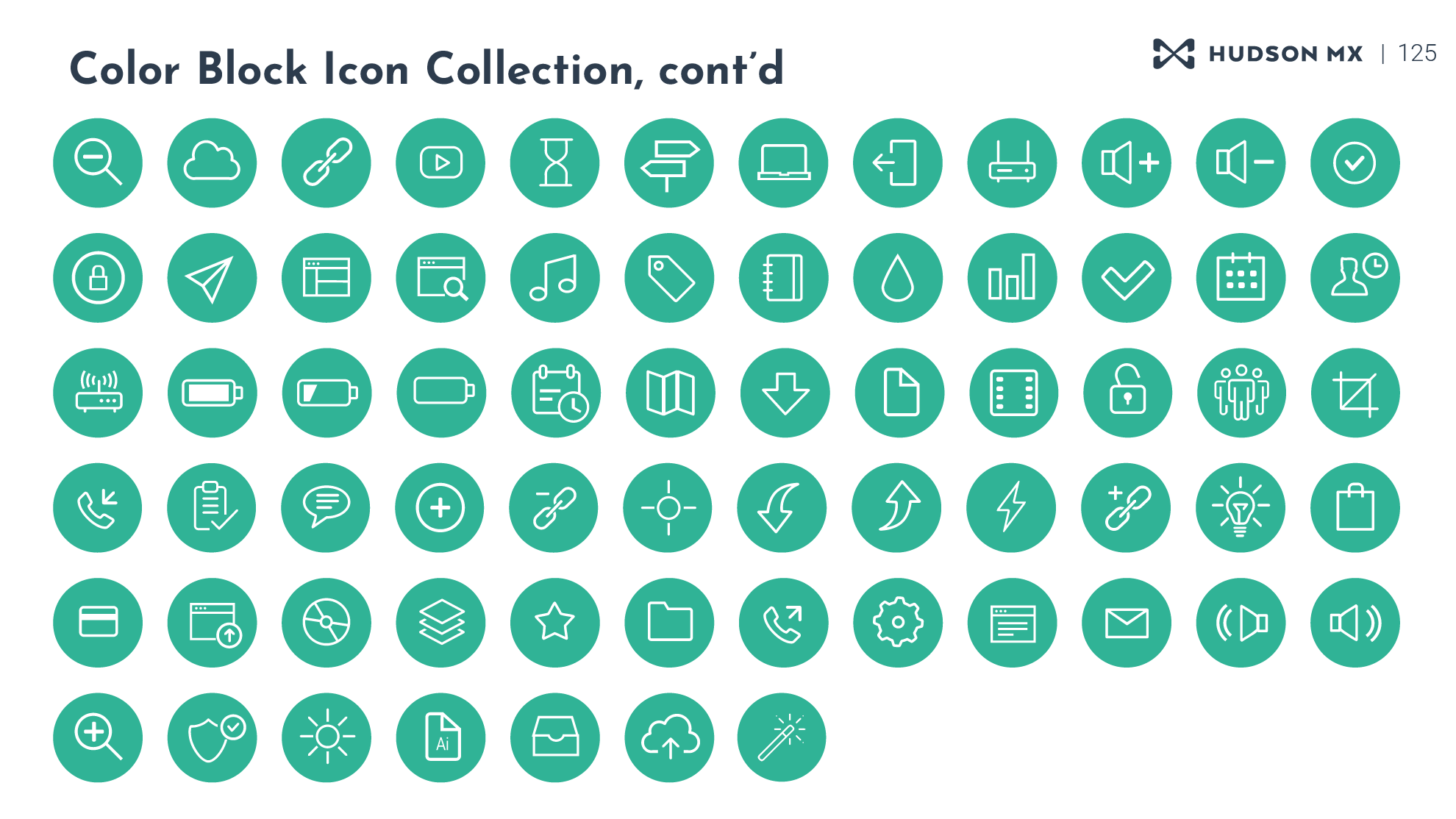
Color Block Icon Collection, Pt 6.
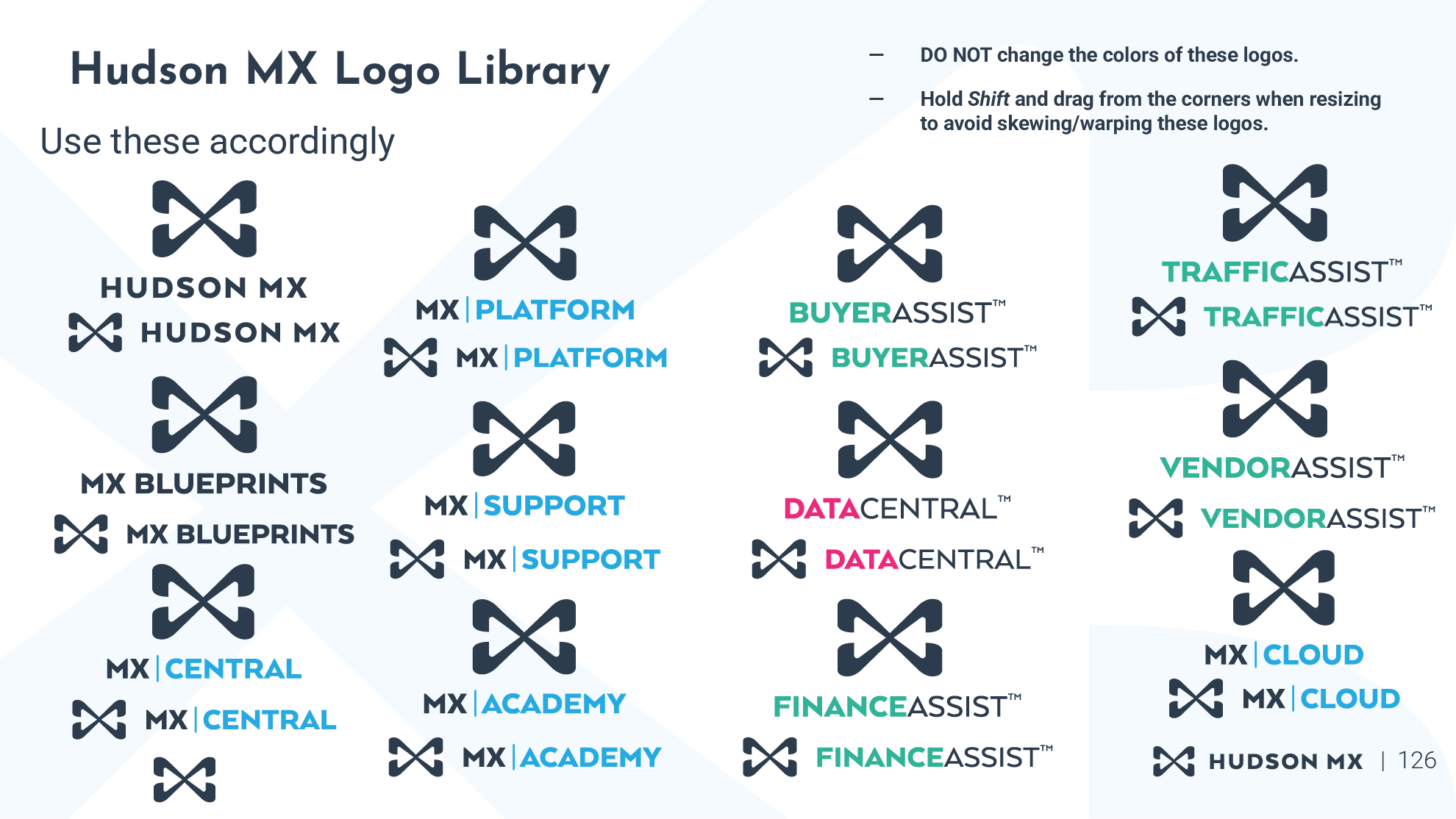
Hudson MX Logo Library, Light Mode.
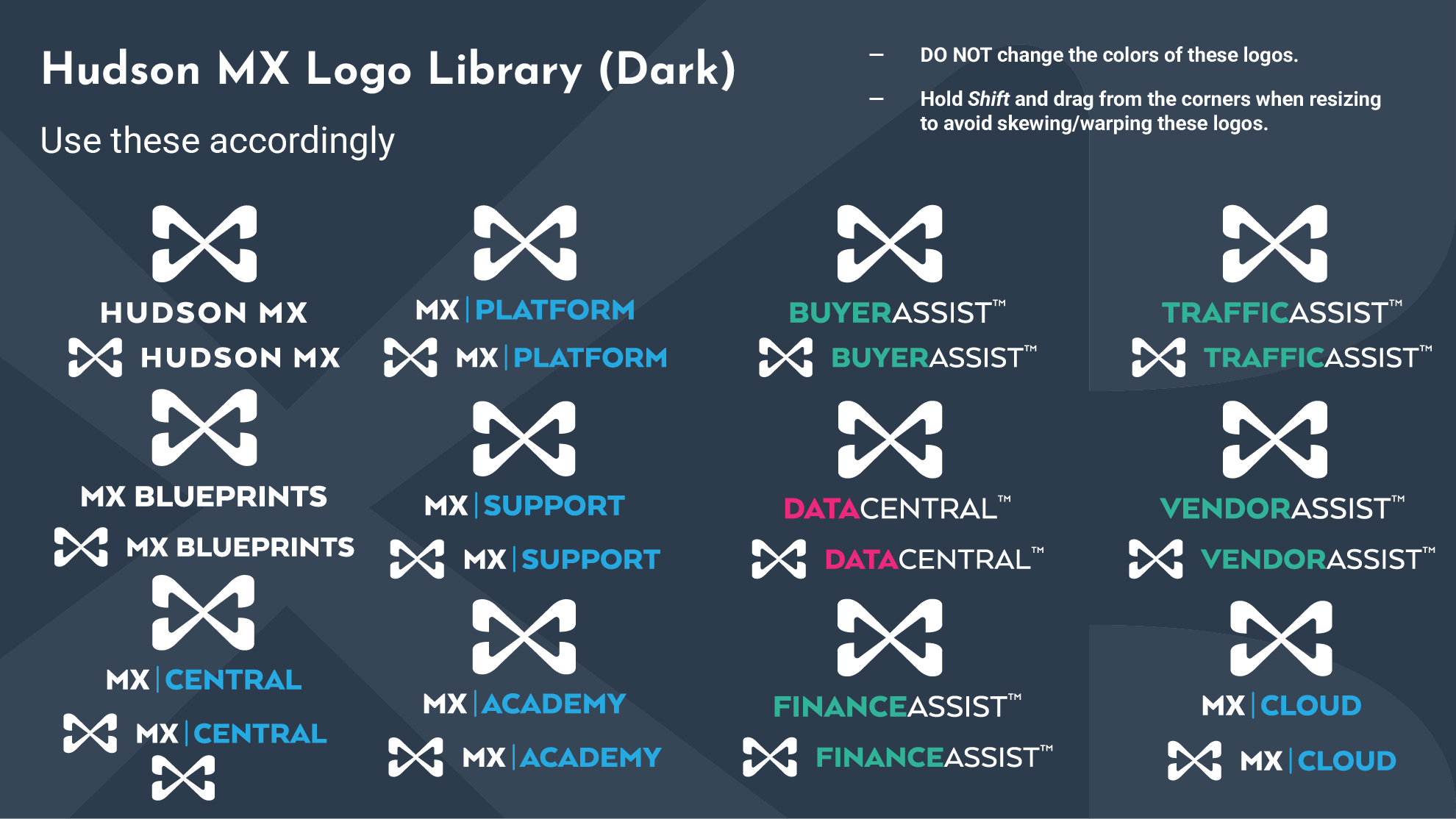
Hudson MX Logo Library, Dark Mode.
Content © Hudson MX Inc.